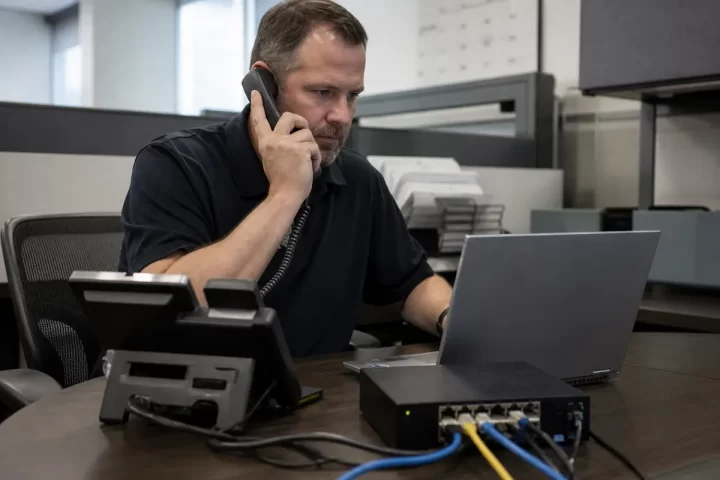

When an office loses internet, the phone service doesn’t necessarily disappear everywhere. Your desk phones may stop working while the provider can still send incoming calls to another destination. Business phone disaster recovery starts with knowing which part failed and what your staff can use instead.
Will our business VoIP phones work during an internet outage?
Desk phones normally need a working connection to reach the provider. An office internet failure can interrupt those phones even when the provider’s platform is running. Ask whether incoming calls can route to approved mobile numbers, another office or a staffed answering arrangement. Our business VoIP options help you separate everyday features from the backup functions you actually need.
Check how forwarding is triggered. Is it automatic when devices go offline, or must someone sign into an administrator account? Give a backup person access through your approved security process. A plan that depends on one unavailable manager isn’t much of a fallback.
What happens to business phones when the office loses power?
A battery backup only helps the equipment connected to it. Include the modem or internet terminal, router, network switches and any phone power supplies. Ask a qualified installer to calculate runtime for the actual equipment and expected outage. Our phone network checklist identifies the connection path that needs attention.
A second internet connection also needs power and the right router setup. Confirm whether it uses a different physical route or simply shares the same vulnerable infrastructure. Don’t assume a mobile hotspot will support every desk phone without configuration.
How should we test a business phone disaster recovery plan?
Arrange a controlled test with your provider or installer outside your busiest period. Test incoming calls, outgoing calls, voicemail access and your main call menu using approved destinations. Record who changes routing and who restores it. For several offices, the multi-location phone guide helps organize site-specific handoffs.
Can staff use a phone app when the office internet is down?
Possibly, if the app, account and mobile data connection remain available. Test the actual devices beforehand, including sign-in and incoming-call notifications. Confirm your emergency-calling arrangements separately with the provider.
Does cloud VoIP protect us from a provider outage?
No. Office failures and provider failures need separate plans. Ask about status reporting, alternative routing and escalation contacts; don’t treat general reliability language as an outage procedure.
Use the phone recovery FAQ and business continuity guidance to finish a short checklist. Keep a usable copy available when the office network isn’t.