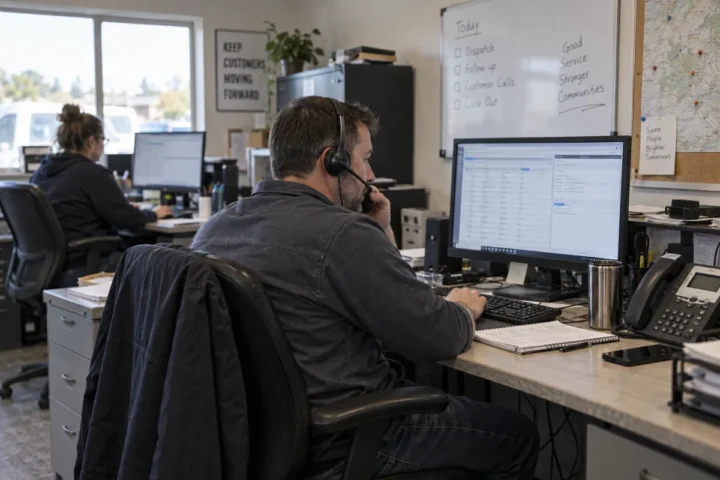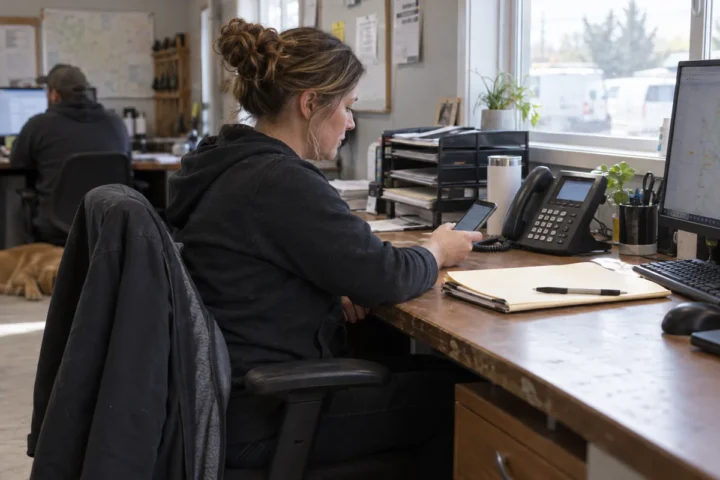

A call-routing plan works on a quiet afternoon and proves itself when three customers call at once, the receptionist is away and the service team is already busy. Good routing gives each call a sensible next step without trapping people in a long menu.
When you compare call routing for small business, start with real call reasons: new sales, current customer help, billing and urgent service. Build the path around who can answer those calls, then choose the technology.
Map the first 30 seconds
Decide whether calls should ring a person first or enter an automated menu. Keep the opening short and put the most common choices first. The small-business auto attendant guide shows how to keep options useful without creating a maze.
For every option, write down the primary destination, how long it rings and where the call goes next. A simple routing map might look like this:
- New sales: sales group, then backup manager, then voicemail with an email alert.
- Customer service: service queue, then overflow employee, then callback request.
- After hours: recorded hours, emergency option and next-business-day voicemail.

Use groups and queues for different problems
A ring group alerts several people together or in order. A queue holds callers and distributes them as employees become available. The right choice depends on staffing and call volume. Review the business phone features you need before paying for a more complex queue.
Set a reasonable wait limit and tell callers what happens next. An offered callback can be better than repeating hold music. If calls regularly overflow, the routing report should make that visible so staffing or menu choices can change.
Bring your current call flow and busy-hour problems when you compare phone system quotes.
Test routing like a customer would
Call every published number from outside the system. Test business hours, lunch coverage, after-hours treatment, unanswered calls and an internet outage. Verify caller ID and voicemail notifications. The phone outage planning guide helps close the routes that normal testing misses.
Can calls route to mobile employees?
Yes. Confirm whether the system uses a mobile app, simultaneous ringing or forwarding, and whether the customer sees the business number. The VoIP solutions overview describes common options.
How often should the call flow be reviewed?
Review it after staffing changes, new departments or repeated missed calls. Even a good design becomes stale when the business changes. Keep a dated routing diagram and assign one person to approve updates.