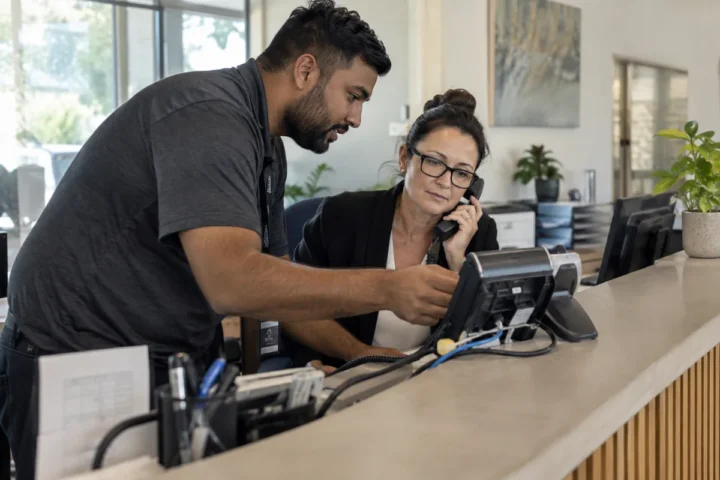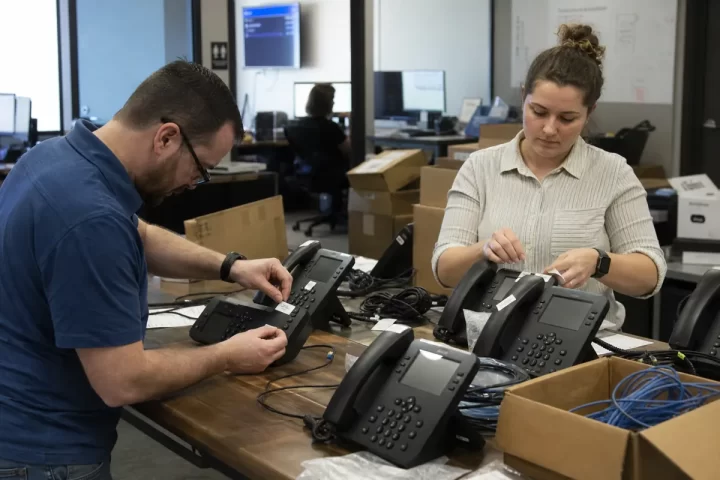
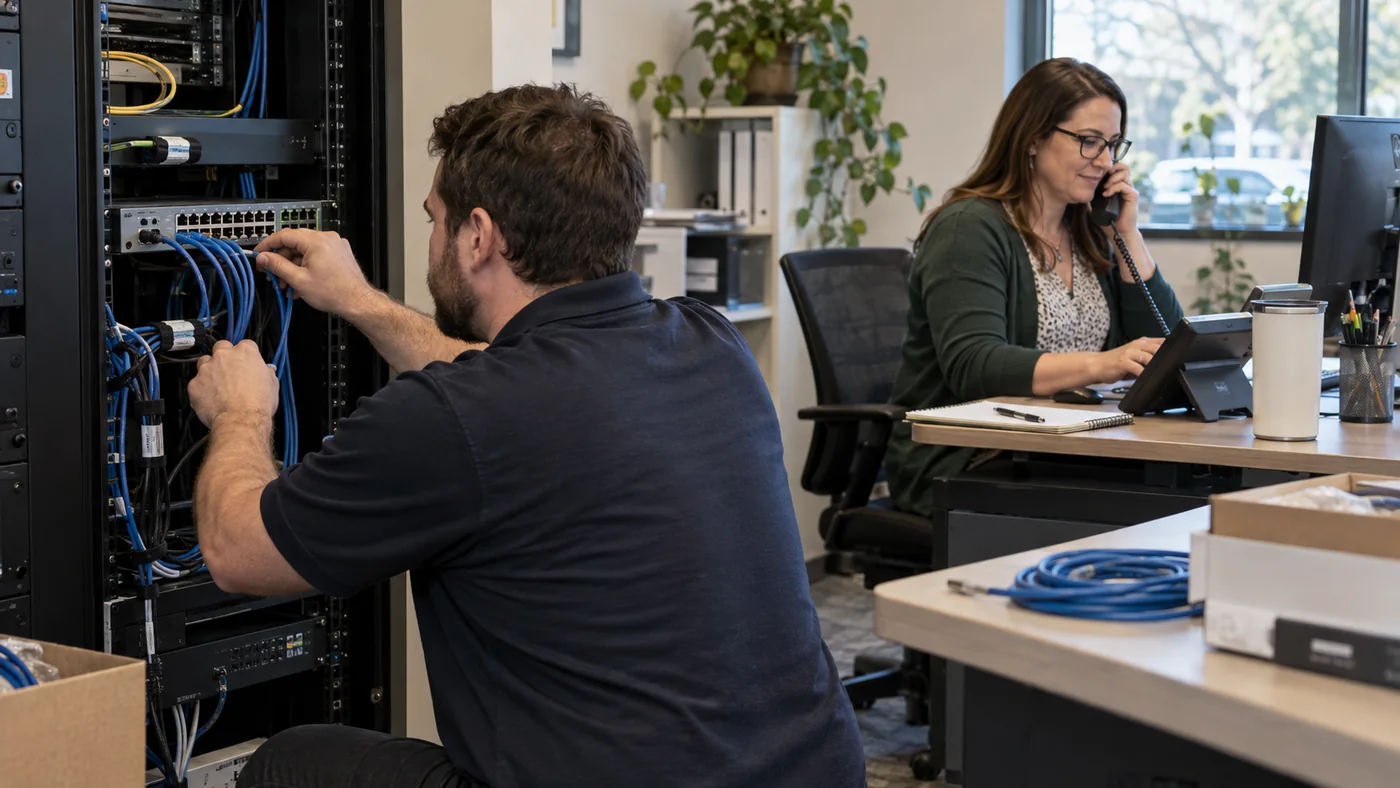
Business phone system installation should end with working call flows, trained users and a tested fallback—not simply phones on desks. When you compare business phone system installation prices, ask each provider to define preparation, number transfer, hardware, configuration, testing and post-launch support.
Inventory users, numbers and call paths first
List every public number, user, extension, shared line, fax workflow, conference room and after-hours destination. Map the way calls should enter, transfer, queue and reach voicemail. The auto attendant guide helps keep menus short and useful.
Check the network and power plan
Confirm internet capacity, wired connections, Wi-Fi needs, power-over-Ethernet switches and backup power. Separate voice traffic where the network design requires it, and test the busiest location rather than one quiet desk. Use the VoIP network-readiness checklist before the cutover date.
Assign ownership for configuration and equipment
- Who configures users, numbers and permissions?
- Who installs desk phones and headsets?
- Who builds ring groups, queues and schedules?
- Who confirms emergency-location information?
- Who documents administrator access and changes?
The provider’s business VoIP solution should match the responsibilities stated in the proposal.
Schedule number transfer without cancelling early
Gather account records and confirm the transfer window. Keep the old service active until the port is complete and test calls pass. The number-porting guide explains the handoff in more detail.
Test real workflows before declaring success
Place inbound, outbound, internal and transferred calls. Test voicemail, mobile apps, after-hours routing, queues, caller ID and backup destinations. Include remote users and each location. Record who fixes a failure and when the retest occurs.
How much training is enough?
Administrators need configuration and reporting skills; employees need the calls, transfers, voicemail and applications they use every day. Short role-based sessions are more useful than one generic feature tour.
Review the VoIP buyer’s guide and business phone FAQs before signing. A complete installation price connects technical setup with the working call experience your customers and staff will actually use.